
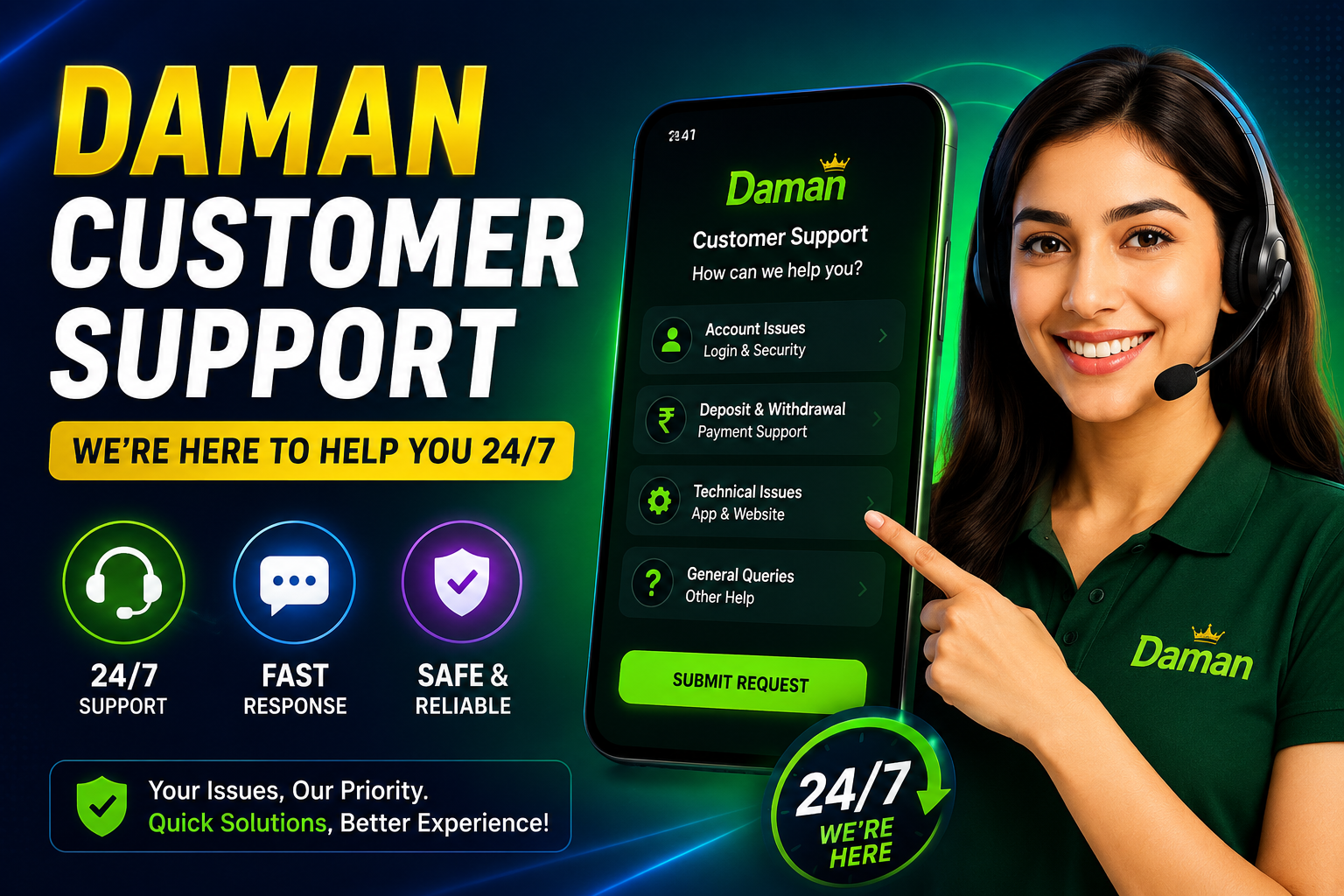
Need help with your Daman account? Learn how to contact customer support before or after logging in, resolve payment and login issues, and get assistance quickly.
Daman Customer Support: How to Get Help Quickly
Whether you’re having trouble signing in, facing payment delays, or experiencing technical issues, Daman Customer Support is available to help. Knowing the correct way to contact the support team can make the resolution process faster and more efficient.
This guide explains how to reach support before logging in, how to submit a request after accessing your account, and what information you should prepare before contacting the support team.
When Should You Contact Customer Support?
You may need assistance if you experience issues such as:
- Login or account access problems
- Password recovery difficulties
- Deposit or withdrawal delays
- Payment verification questions
- Technical errors within the app
- Account-related queries
If you cannot solve the issue using the available help guides, contacting customer support is the next step.
Information to Keep Ready
Before submitting your request, it’s helpful to have the following details available:
- Registered mobile number
- User ID (if available)
- A brief description of the issue
- Transaction details (for payment-related queries)
- Screenshots showing the error, if applicable
Providing complete information can help the support team understand your request more quickly.
Method 1: Contact Support Before Logging In
If you cannot access your account because of login or registration issues, you can still request assistance.
Step 1: Open the Official Website or App
Launch the Daman application or visit the official website.
Step 2: Go to the Login Page
Navigate to the login screen where account sign-in options are available.
Step 3: Open the Support Section
Look for the Customer Support or Help option available near the login page.
Step 4: Choose the Appropriate Category
Select the option that best matches your issue, such as login, registration, or password recovery.
Step 5: Enter Your Details
Provide the requested information, including your registered mobile number and a short explanation of the problem.
Step 6: Submit Your Request
Review the information for accuracy and send your request. The support team will review it and respond according to their standard process.
Method 2: Contact Support After Logging In
If you can successfully access your account, you can contact support directly from your account dashboard.
Step 1: Sign In
Log in using your registered credentials.
Step 2: Open Your Account
Navigate to the Account or Profile section.
Step 3: Select Customer Support
Locate the support option within your account settings.
Step 4: Describe Your Issue
Choose the category that best fits your concern and explain the problem clearly. If possible, include screenshots or transaction details to provide additional context.
Step 5: Send the Request
After reviewing your information, submit the request. Keep an eye on your account or notifications for updates from the support team.
Tips for Faster Support
To improve the chances of a quick resolution:
- Describe the issue clearly and accurately.
- Include transaction IDs or reference numbers when discussing payments.
- Attach screenshots if they help explain the problem.
- Avoid submitting the same request multiple times.
- Wait for a response before creating another support ticket.
Frequently Asked Questions
When should I contact customer support?
You should contact support if you’re unable to log in, experience payment issues, encounter technical errors, or need help with your account.
Can I contact support without logging in?
Yes. If you’re having trouble accessing your account, you can usually reach support from the login page.
What details should I provide?
Include your registered mobile number, User ID (if available), transaction details for payment issues, and a clear description of the problem.
Should I attach screenshots?
Yes. Screenshots can help the support team understand technical errors or payment issues more quickly.
How long does it take to receive a response?
Response times may vary depending on the type of request and the current support workload.
Important Security Reminder
When contacting customer support:
- Never share your OTP.
- Never reveal your banking PIN or password.
- Do not disclose your account password.
- Contact support only through the official website or application.
Legitimate support representatives will not ask for sensitive security credentials.